A happy little world for curious little hands.
A gentle, ad-free capybara game for young children. Care for Cappy, splash in the bath and pop a few bubbles, with a grown-up nearby.
Play the complete current game free until 24 October 2026. No sign-up or payment is needed during this seven-day launch week. Grown-up support is optional. No subscription or payment starts automatically afterwards.
What’s inside
-
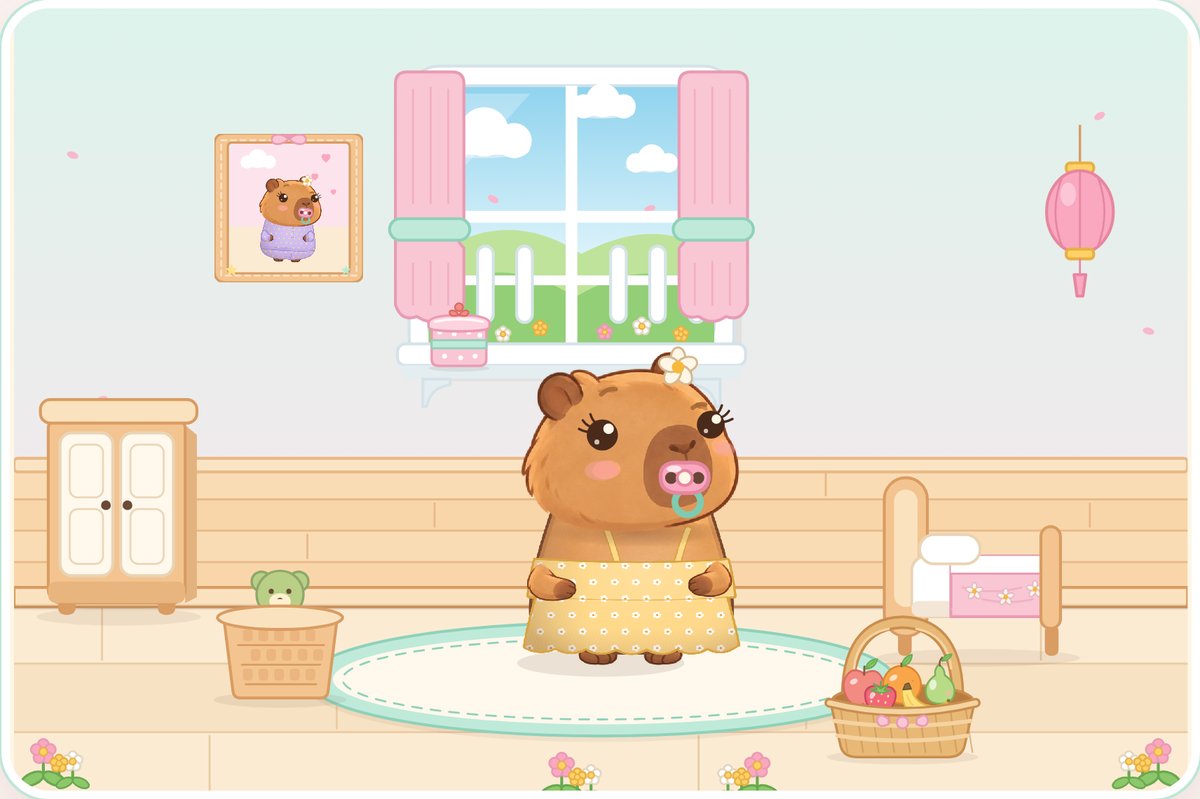
A cosy home
Tap the fruit basket to feed Cappy, keep cakes in the cake tin on the windowsill, and tuck her into bed.
-
Bath and bubbles
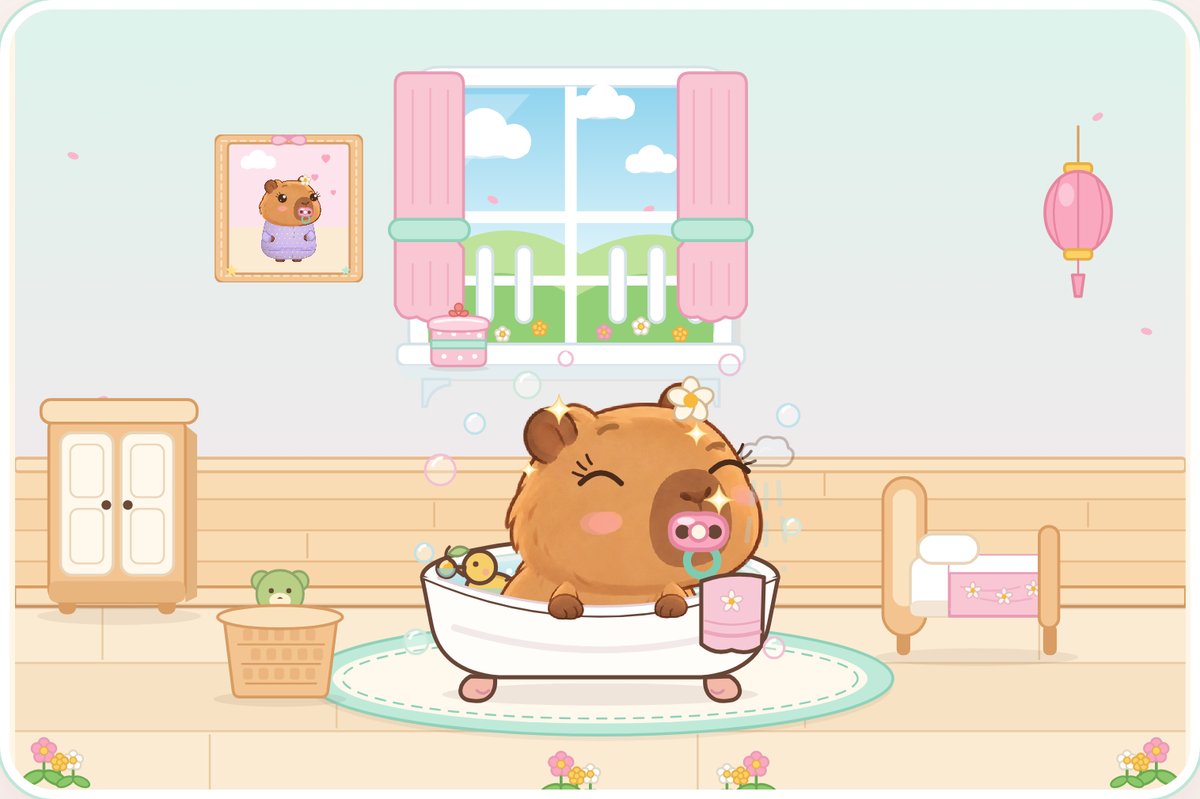
Soap, bubbles, rinse, and a rubber duck that squeaks. Pop classic, rainbow or giant bubbles at your own pace.
-
Dressing up
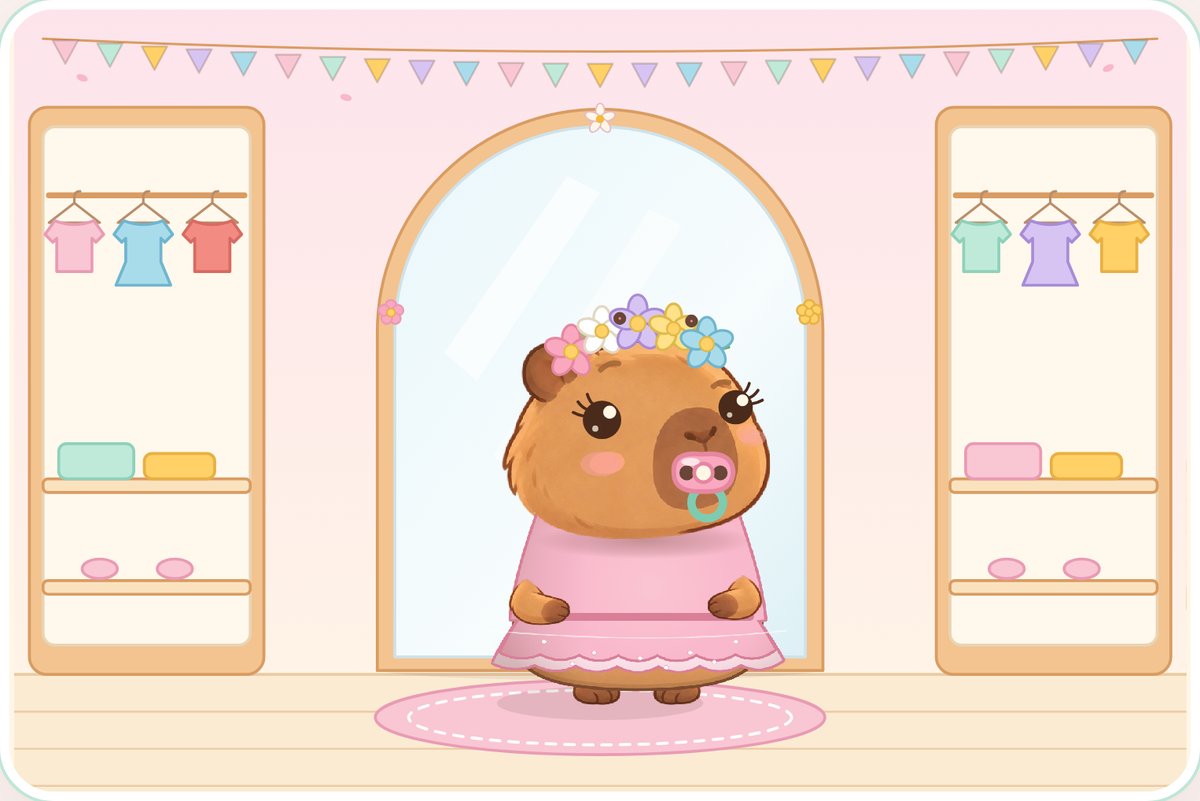
Choose Baby, Little or Big Cappy, then try on dresses, hats, a daisy or a red rose in the wardrobe mirror.
-
Shopping Street
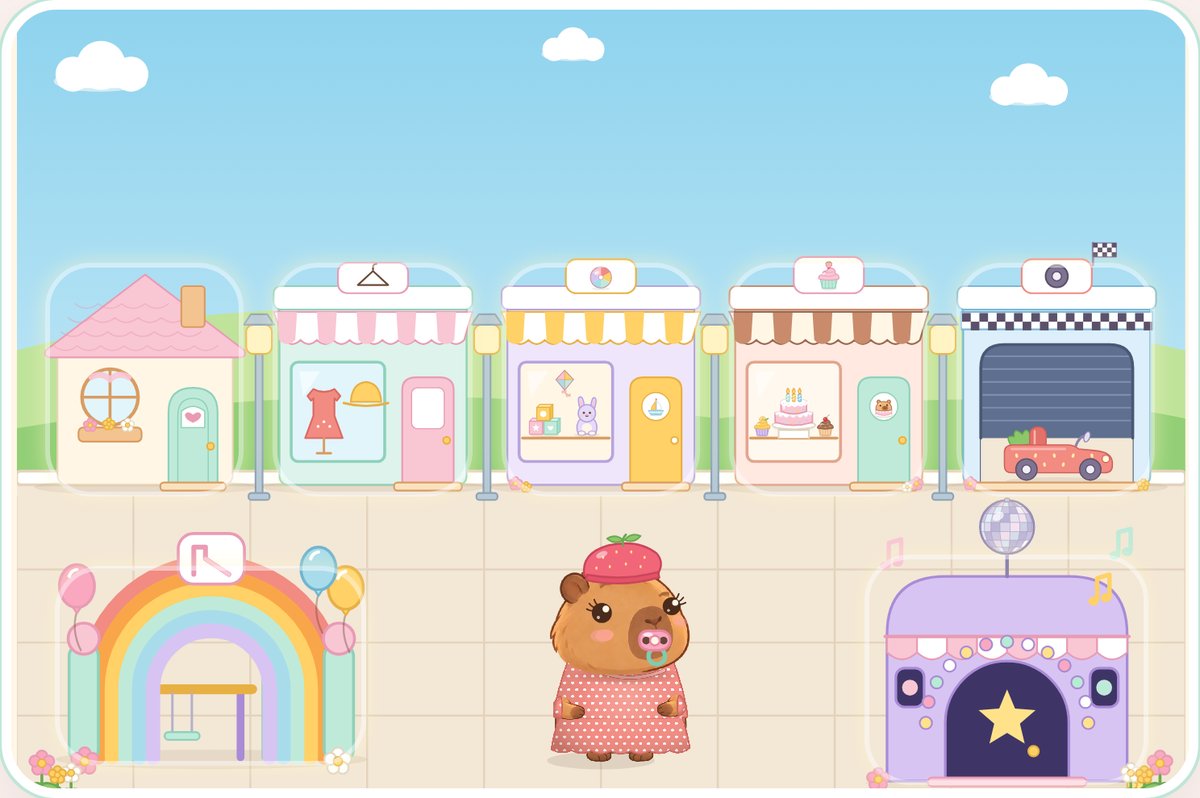
Pretend shopping for clothes, toys and cakes. Carry them home in the bag and put them away.
-
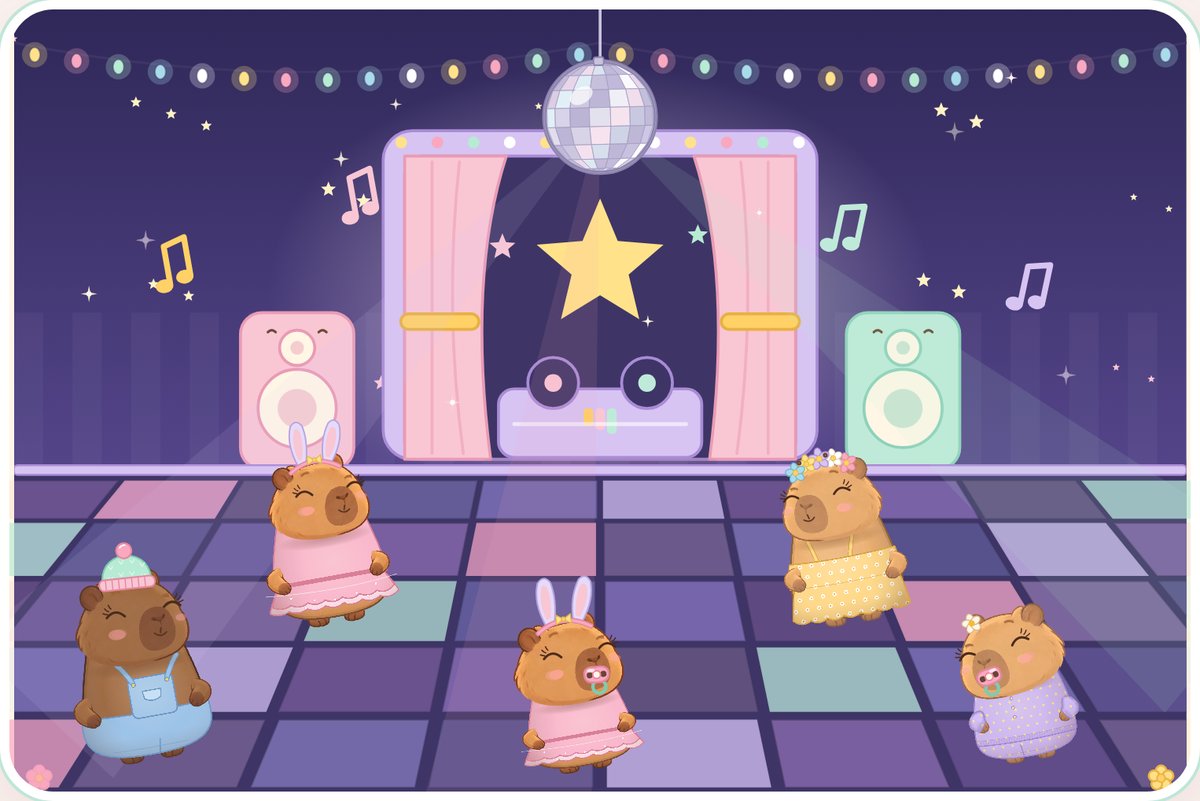
Playground and disco
Slide, swing and bounce at the playground, then dance with friends under the glitter ball.
-
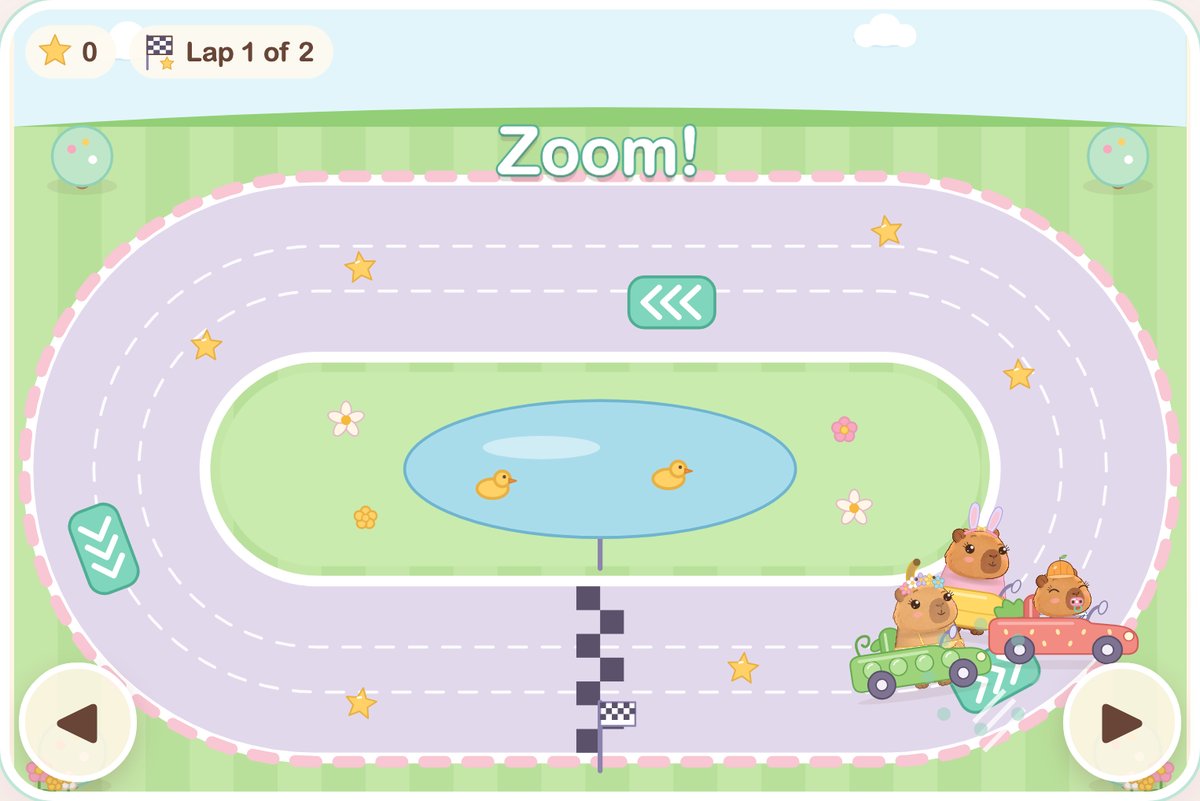
The Sunny Loop
Pick a toy car and steer with a finger or the big arrows. Zoom over arrow pads, collect stars and win a medal.
No care deadlines or lost care streaks. Cappy is always happy to see you, however long you’ve been away.
Made with care
- No adverts. None in the game, and none on this site.
- No child accounts. Children play as local guests without sign-up during the free launch week.
- We don’t ask for children’s names. Your child picks a name for their capybara from a short list.
- No chat or messages. Cappy’s friends are fictional game characters.
- Calm by design. Sound is optional, with a mute button and a less-motion setting.
- Purchases are for grown-ups. They live in a separate parents’ area. Children never see payment prompts while they play.
Created by Integrity Ai Ventures
CapyBooBoo is an ad-free browser game for young children, where they care for Cappy the capybara. Cappy stays comfortable while you are away, and children play as local guests without providing their own name or birthday.
Meet the little world · Read the features for parents · Explore the activities
Come and play during launch week.
Play the complete current game free until 24 October 2026. No sign-up or payment is needed during this seven-day launch week. Grown-up support is optional. No subscription or payment starts automatically afterwards.
Questions
Who is CapyBooBoo for?
Young children who like gentle, tap-and-see play, with a grown-up nearby. Pictures and icons guide most of the play, so little ones can explore before they can read.
What devices does it work on?
Phones, tablets and computers with an up-to-date browser such as Safari, Chrome, Edge or Firefox. Use a current browser and try the controls on your own device. There’s no app to install.
Does it need the internet?
Yes, to open the game. Once it has loaded, the care and bubble play doesn’t need anything more from the internet. Buying and restoring a purchase need a connection.
Where is my child’s progress saved?
In the browser on the device they play on. It doesn’t move to another device. Clearing your browser’s data, or using a private window, removes it.
What happens if I change device?
Sign in in the parents’ area with the email you verified before paying. That turns purchased access on in the new browser. Your child’s pet starts fresh there, because progress stays on the old device.
What do you collect?
The game doesn’t send anything about your child to us: their pet, stickers and settings stay in their browser. If you buy, Stripe handles the payment, and we keep a record of the order and the verified parent email used for sign-in so you can restore access. Our privacy page has the details.
How do I get help?
A support email address will be listed here before purchasing opens.